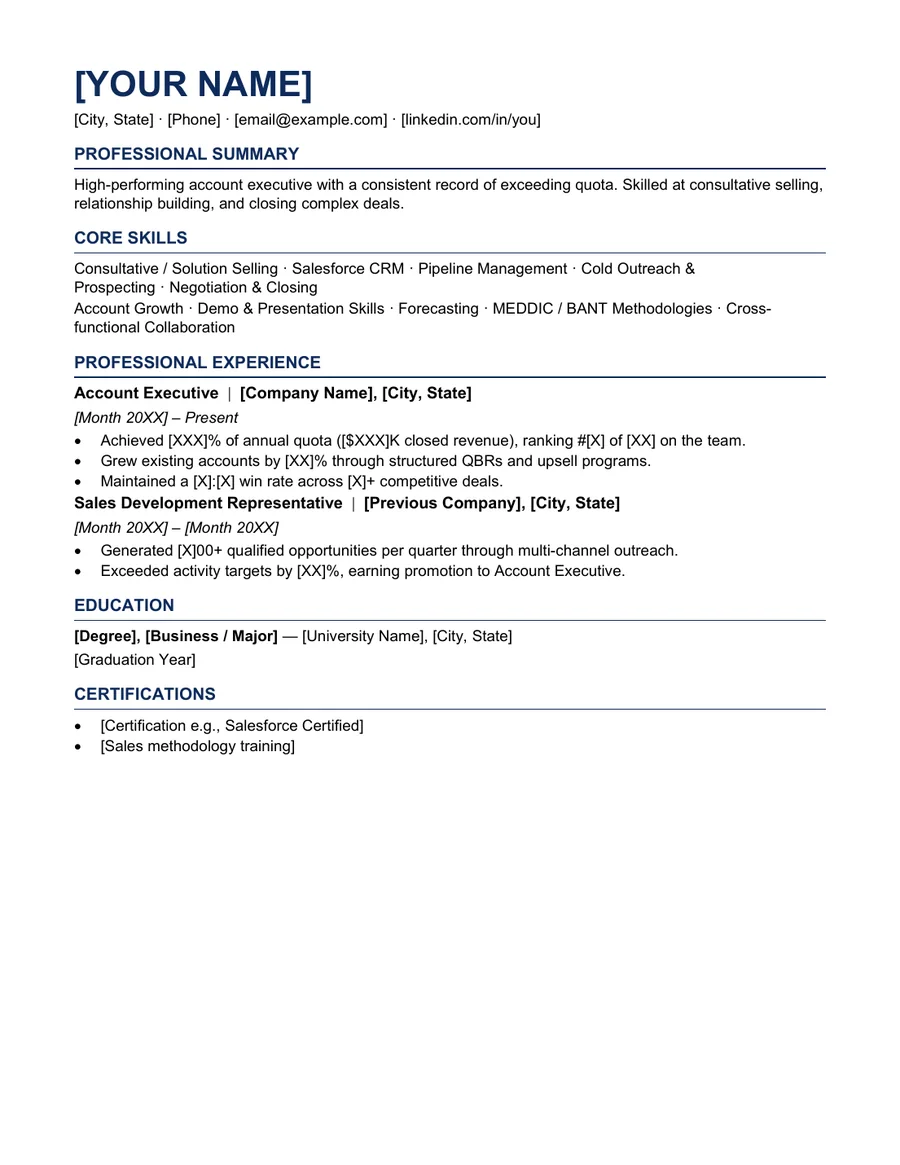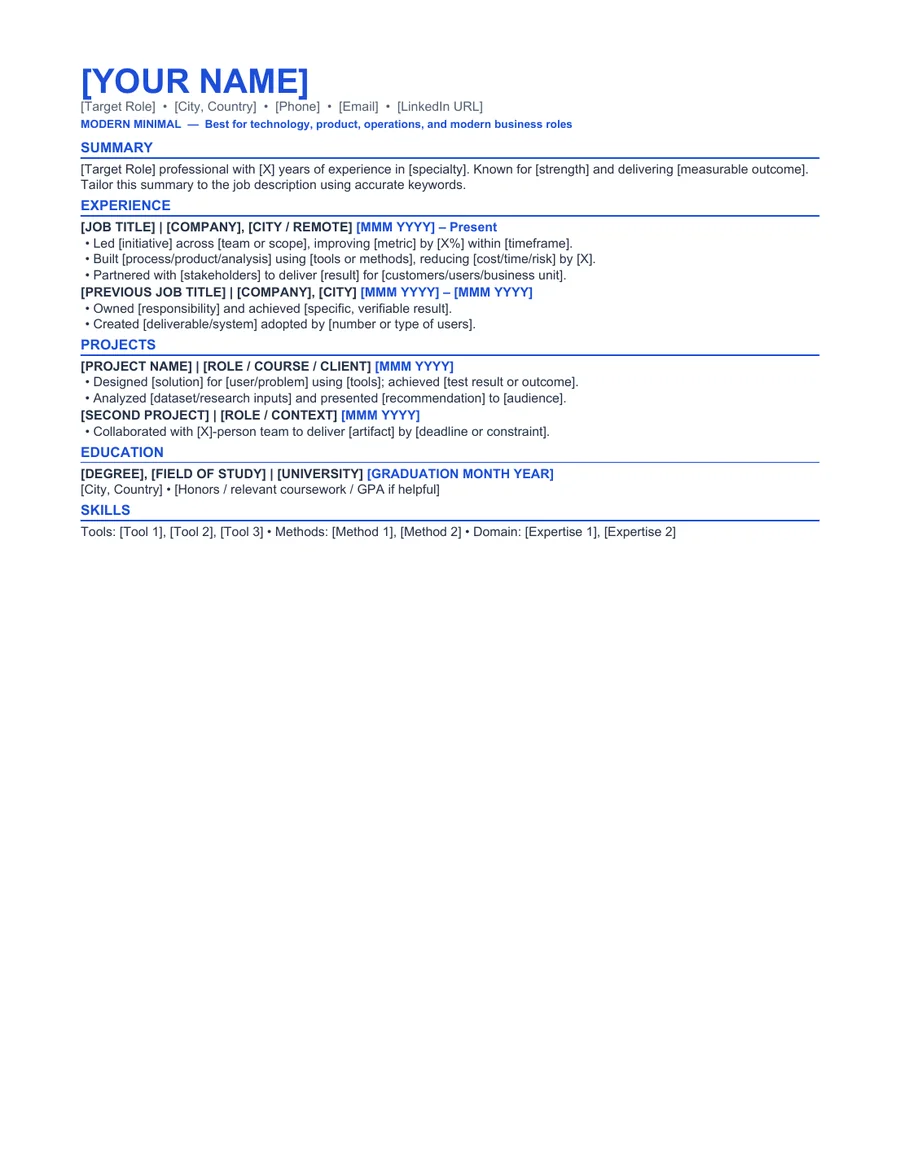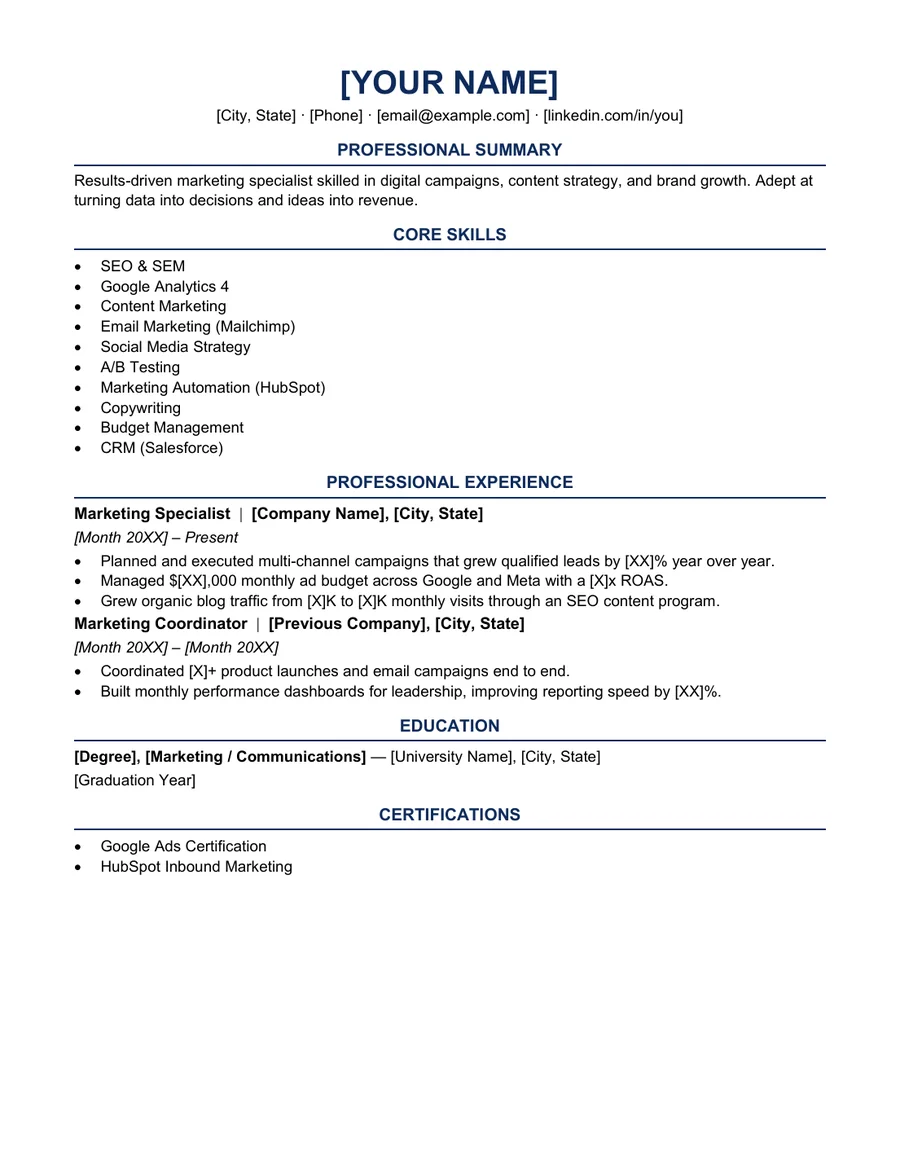
About the Lumen layout
Lumen is a balanced marketing resume layout for candidates whose work spans campaigns, content, channels, and cross-functional coordination. It provides room for outcomes without relying on dashboards, charts, or invented performance graphics.
Marketing hiring teams need to see the audience, channel, objective, and result together. Lumen keeps each campaign achievement under the role where it occurred and supports a short skills section for tools such as analytics, email, CRM, paid media, or content systems.
Who this template is for
Best for
Digital marketing, content marketing, brand, lifecycle, and growth candidates
Best for
Marketers with campaign results they can verify
Best for
Candidates who need to show both creative execution and commercial outcomes
When to choose another layout
If most of your work is visual design rather than marketing strategy or campaign execution, use the Product Designer template and link to a portfolio.
Recommended resume sections
- Marketing Profile - specify channels, audiences, and business context.
- Campaign Experience - connect actions to measurable outcomes.
- Core Skills - include only tools and methods relevant to the target role.
- Selected Projects - useful for freelance, nonprofit, or student campaign work.
- Education and Certifications - list relevant training without overstating its importance.
Copyable summary framework
Marketing professional with [X years] of experience planning and delivering [campaign or channel type] for [audience or market]. Increased [qualified leads, engagement, revenue, retention, or another verified result] by [X%] through [specific strategy].
Resume bullet examples
Replace every bracketed prompt with facts you can explain in an interview. Remove any example that does not match your work.
- Planned and launched [campaign] across [channels], generating [verified result] within [time period].
- Improved [conversion, retention, engagement, or cost metric] from [before] to [after] by testing [specific change].
- Coordinated content, design, sales, and product stakeholders to deliver [initiative] on schedule.
How to edit the Word template
- Download and extract the ZIP file.
- Open the DOCX file in Microsoft Word or a compatible editor.
- Replace every placeholder and sample line with your own information.
- Remove unused sections and keep spacing consistent.
- Export a PDF, reopen it, and check every page before applying.
Role-specific editing tips
- Name the channel and audience instead of writing only 'managed campaigns.'
- Separate reach metrics from business outcomes.
- Avoid using percentages when you cannot explain the original baseline.
- Link to a portfolio only when it contains work you are allowed to share.
ATS and formatting note
This template uses common section labels, selectable text, and system fonts. Those choices can reduce avoidable formatting problems, but ATS products and employer configurations differ. Always follow the job posting and test the final DOCX or PDF yourself. Read our Career Change Resume Summary Examples for a practical formatting checklist.
Frequently asked questions
Is this marketing resume template really free?
Yes. The Word and PDF files are available without payment, account creation, or email submission. The personal-use license is explained in the Terms of Service.
Can I edit the template in Microsoft Word?
Yes. The ZIP includes an editable DOCX file and a reference PDF. After editing, export a fresh PDF and inspect page breaks, spacing, links, and contact details.
Does this template guarantee that an ATS will accept my resume?
No. Applicant tracking systems and employer configurations differ. The template uses readable headings and common document formats, but no template can guarantee parsing, ranking, an interview, or a job outcome.