About the Aurora layout
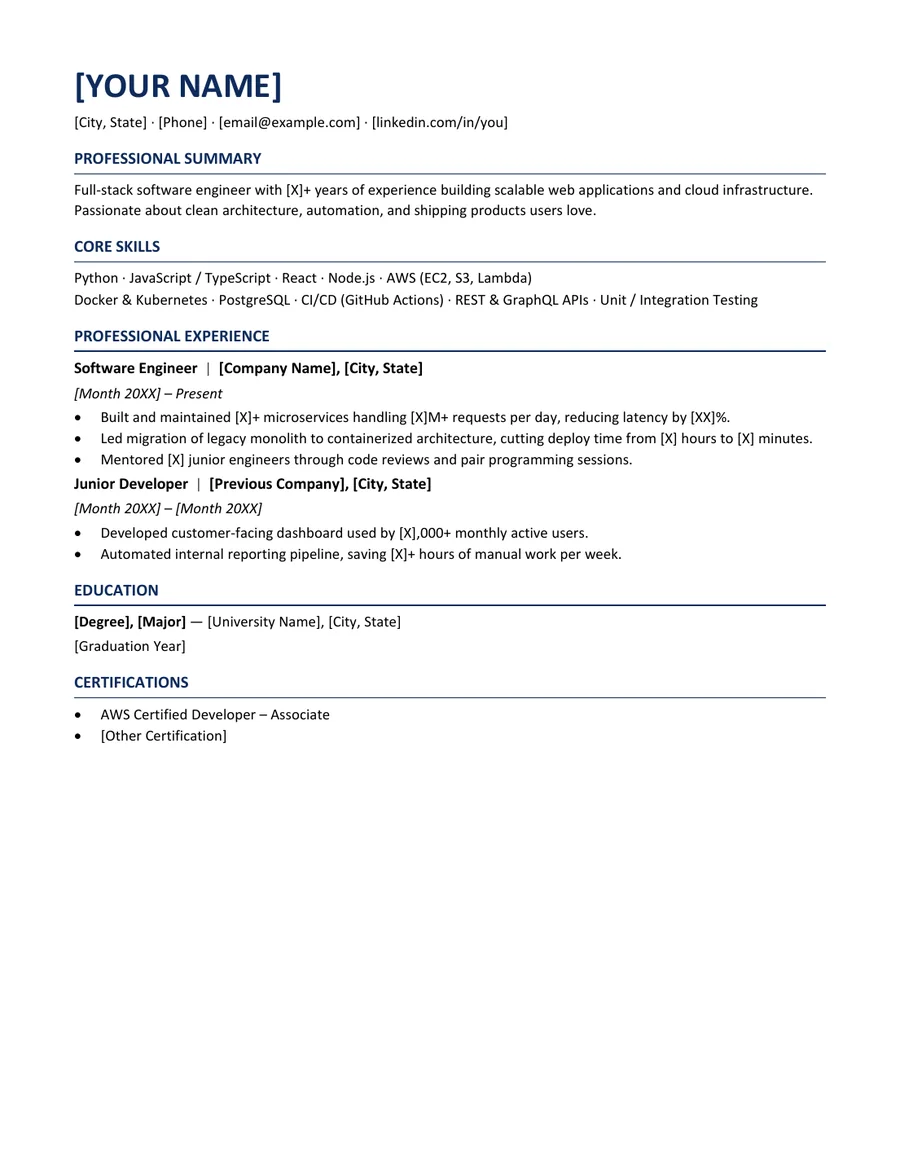
Aurora is designed for software engineers who need a clear, practical document rather than a decorative portfolio page. It places recent engineering work first, keeps the technology stack easy to scan, and leaves enough space for project evidence without turning the resume into a list of tools.
The template uses standard headings for Experience, Skills, Projects, and Education. Technical tools stay grouped, while accomplishment bullets remain connected to the job where the work happened. This helps a recruiter understand both the context and the technology instead of seeing an isolated keyword list.
Who this template is for
Best for
Software engineers and software developers
Best for
Backend, frontend, full-stack, mobile, cloud, and platform roles
Best for
Candidates who can describe shipped features, reliability improvements, or measurable engineering results
When to choose another layout
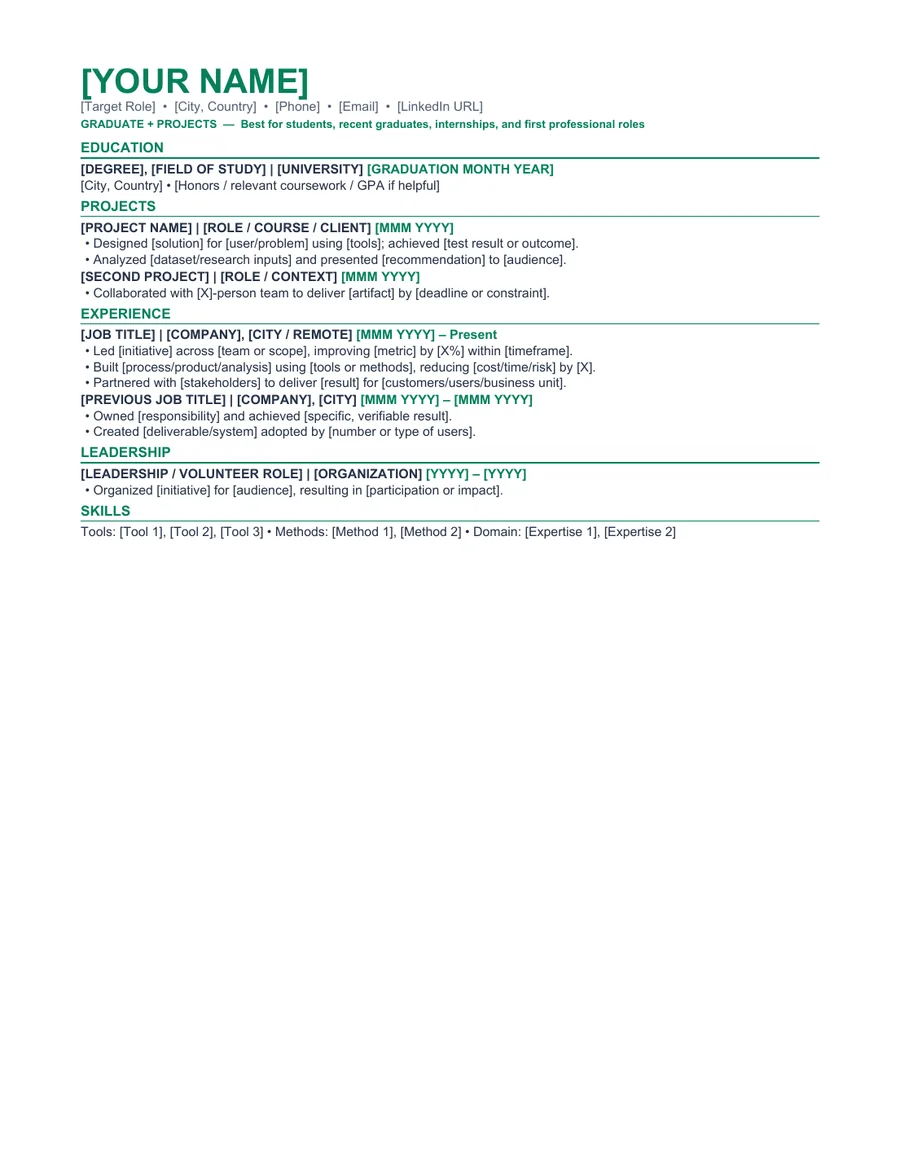
If your experience is mainly academic and you have not held an engineering role, the Graduate + Projects template may give projects and education a more natural position near the top.
Recommended resume sections
- Professional Summary - connect engineering scope to the target role.
- Technical Skills - group languages, frameworks, cloud platforms, and tools.
- Professional Experience - lead with shipped work and measurable changes.
- Selected Projects - include only projects that add evidence not already shown in employment.
- Education and Certifications - keep relevant qualifications concise.
Copyable summary framework
Software engineer with [X years] of experience building [product or system type] using [relevant technologies]. Improved [performance, reliability, delivery speed, or user outcome] by [verifiable result] and collaborated with [teams or stakeholders] to deliver [relevant scope].
Resume bullet examples
Replace every bracketed prompt with facts you can explain in an interview. Remove any example that does not match your work.
- Reduced API response time by [X%] by profiling [service] and redesigning [specific component].
- Built and shipped [feature] used by [users or internal teams], including testing, monitoring, and release documentation.
- Automated [manual engineering process], cutting [time or error rate] from [before] to [after].
How to edit the Word template
- Download and extract the ZIP file.
- Open the DOCX file in Microsoft Word or a compatible editor.
- Replace every placeholder and sample line with your own information.
- Remove unused sections and keep spacing consistent.
- Export a PDF, reopen it, and check every page before applying.
Role-specific editing tips
- Match technology names to the job description only when you have used them.
- Keep code repository and portfolio links short and readable.
- Write impact before implementation detail when the result is meaningful.
- Do not use skill bars or subjective ratings such as five stars in Python.
ATS and formatting note
This template uses common section labels, selectable text, and system fonts. Those choices can reduce avoidable formatting problems, but ATS products and employer configurations differ. Always follow the job posting and test the final DOCX or PDF yourself. Read our How to Write a Resume That Passes ATS for a practical formatting checklist.
Frequently asked questions
Is this software engineer resume template really free?
Yes. The Word and PDF files are available without payment, account creation, or email submission. The personal-use license is explained in the Terms of Service.
Can I edit the template in Microsoft Word?
Yes. The ZIP includes an editable DOCX file and a reference PDF. After editing, export a fresh PDF and inspect page breaks, spacing, links, and contact details.
Does this template guarantee that an ATS will accept my resume?
No. Applicant tracking systems and employer configurations differ. The template uses readable headings and common document formats, but no template can guarantee parsing, ranking, an interview, or a job outcome.